


Wednesday, August 5, 2009
No Longer in the Rough: A Review of the HTC Touch Diamond 2
Posted by Don Tolson in "Pocket PC Hardware" @ 07:00 AM
TouchFlo 3D - v2 (Cont'd)
This version of TF3D has intercepted all the menus in applications and replaced them with more finger-friendly versions.
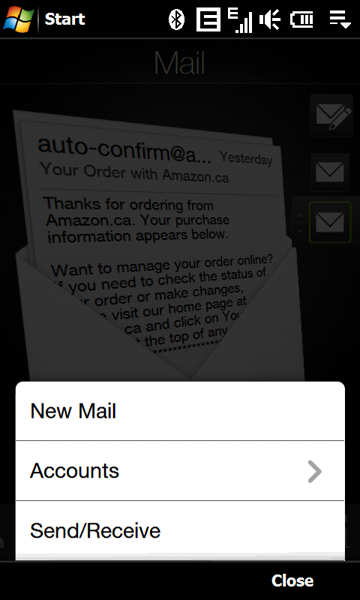
Figure 17: Here's an example of the new menu style HTC has created for the applications running under TF3D. Although I haven't tested this extensively, it seems to intercept and translate menus from other 3rd party applications as well, if they are run under TF3D.
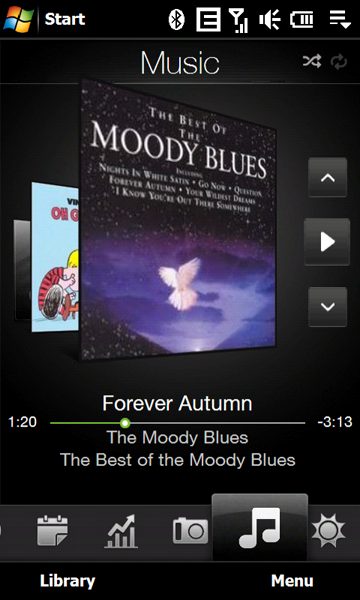
Figure 18: When you first access the Music screen (also known as the Album), the TD2 will search all memory (on board and SD card) to find audio files and their associated album art. Somehow, it seems to be able to distinguish short audio files associated with ringtones and navigation prompts, etc. since these weren't included in the Library. The icon in the top right shows that Shuffle mode is active. Volume is controlled via the buttons on the left side of the unit, or you can tap the speaker icon in the top row.
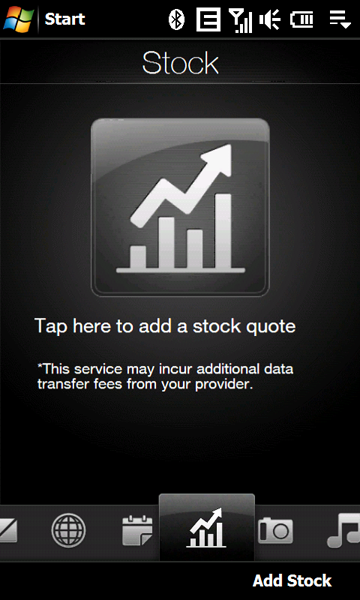
Figure 19: You can even keep up to the minute with your favorite stocks!
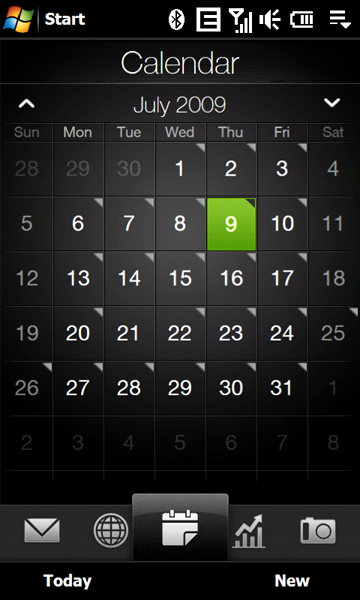
Figure 20: I like this calendar format better than the one provided by Windows Mobile, but it doesn't use the traditional 4-quadrant markers to show what portion of each day is already booked (AM, PM, all day, etc.). When you tap on a particular day, it goes to the Windows Mobile Outlook 'daily' view which is not finger friendly. Maybe in the next version...
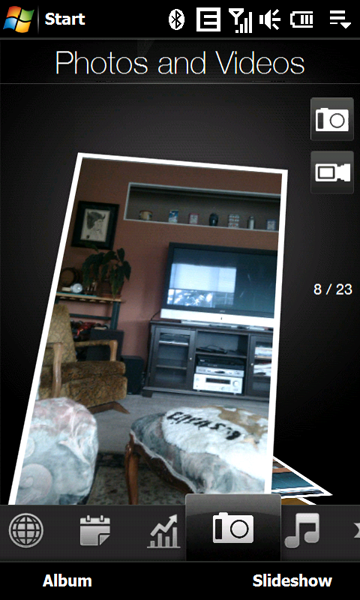
Figure 21: This tab allows you to flick through pictures and video on your TD2. Tapping on any image changes it to full screen view and in the case of video, plays the file. While viewing/playing, the zoom bar can be used to expand or pull back in the image. This photo, by the way, is an indoor shot, taken with incandescent lighting using the camera in portrait mode. The icons in the top right take you directly to the camera and video camera applications.
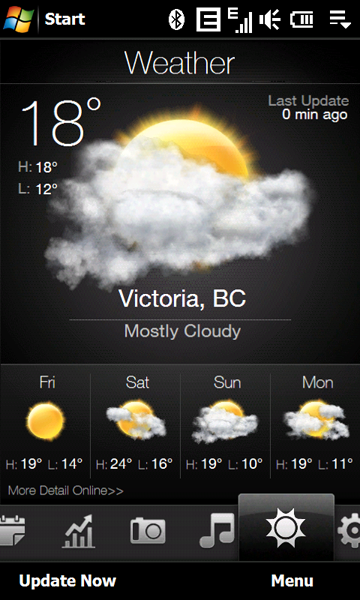
Figure 22: Current and forecast weather is available at any time for many of the major cities around the world, given you have an Internet data connection. I've set mine for manual update, but you can also set it to automatically update whenever you go to this screen.
The soft keyboard provided by HTC is much better designed for finger use and incorporates haptic feedback by vibrating the unit slightly when a key is pressed.
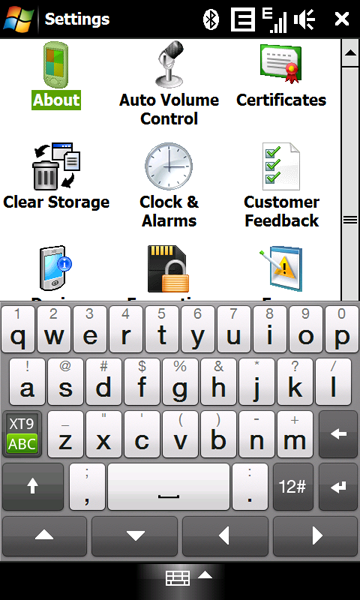
Figure 23: Here's shot of the soft keyboard provided by HTC. Notice at the middle of the left side, that you can select between predictive text (XT9) and normal QWERTY mode. Each keystroke is accompanies by a short vibration of the phone to provide positive feedback (sometimes called 'haptic') that a key has been registered. The pressed key is also displayed in an enlarged form.
The Touch Diamond 2 also sports a built in G-sensor/accelerometer to detect when the TD2 is rotated and automatically switch the screen to the appropriate portrait or landscape orientation. The transition was very smooth and there was just a little, hardly noticeable lag.






