


Thursday, March 12, 2009
Travelling with Pharos: A Review of the Traveler 117
Posted by Don Tolson in "Pocket PC Hardware" @ 09:00 AM
Software Included by Pharos
The Traveler 117 includes a good selection of useful additional software. This includes:
- Spb Mobile Shell;
- Spb Traveler (trial version);
- Spb Keyboard (trial version);
- aGPS -- which downloads ephemeris data from the Internet to make GPS locking faster;
- AutoConfig -- which automatically sets up various data parameters for well known cellular networks;
- Backup Manager;
- JETCET PDF 5;
- MIDlet Manager;
- Phone Profile -- where you can adjust various options within the phone firmware;
- SIM Manger -- for managing contacts on your SIM card;
- Smart Navigator -- Pharos' turn-by-turn navigation system, including full North American maps; and
- Unit Converter (I suspect this is part of Spb Traveller).
While there's nothing really spectacular here, Pharos has included software tailored to making the Traveller series easy to use for a mobile professional.
It's been almost 2 years since we last looked at Pharos' navigation software, Ostia (now known as Smart Navigator) and this is, of course, one of the major features of the Traveler line. As with anything that has grown 2 years older, there are quite a few changes to the software. I didn't spend a lot of time with Smart Navigator on this unit, but I promise I'll include a full review with the next Traveler which comes along.
There are additional utilities provided in the Settings and Connections menus as well.
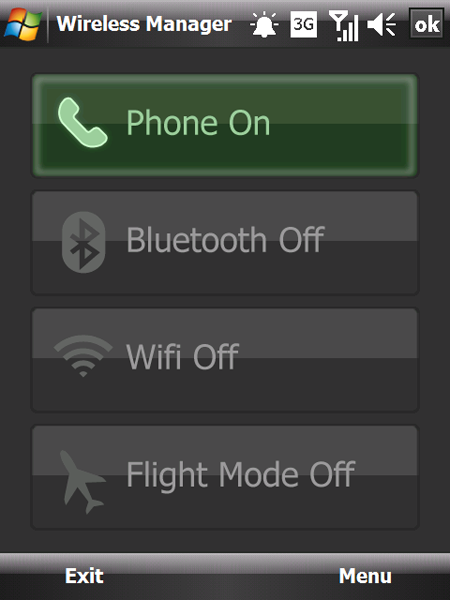
Figure 11: The Traveler's Communication Manager application, which determines which radios are turned on. This is very similar to previous versions we've seen on the Pharos units, but this definitely has a more polished look to it. The menu button on the right provides access to the settings/configuration applications for each of the radios.
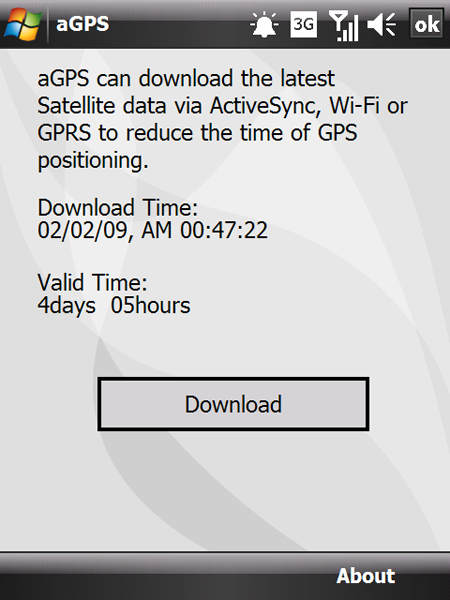
Figure 12: Here's a shot of the aGPS application from Pharos, which downloads ephemeris data about the GPS satellites from the Internet. To be honest, after using this same function on a number of different GPS-enabled units, I haven't noticed a significant difference in Time to First Fix.
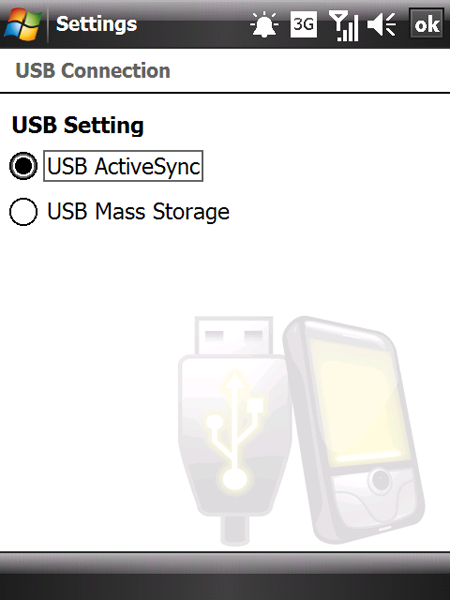
Figure 13: Here's a function setting we don't often see in Windows Mobile devices. It appears to determine how the USB port is used -- either for communication/synchronization, or for additional storage media.
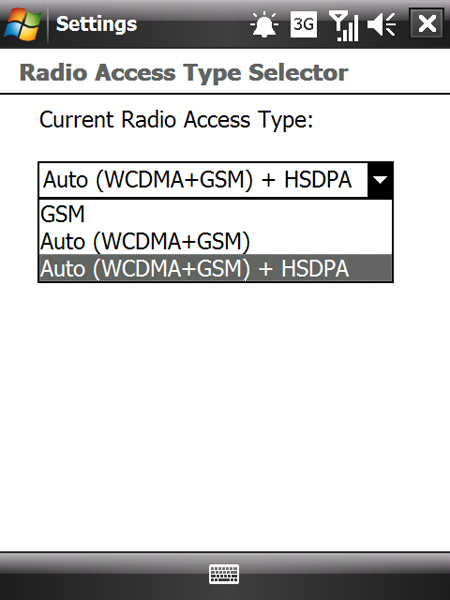
Figure 14: I normally see this as a selection from the Options menu within the phone software. Interesting idea to bring it out to the Settings menu.
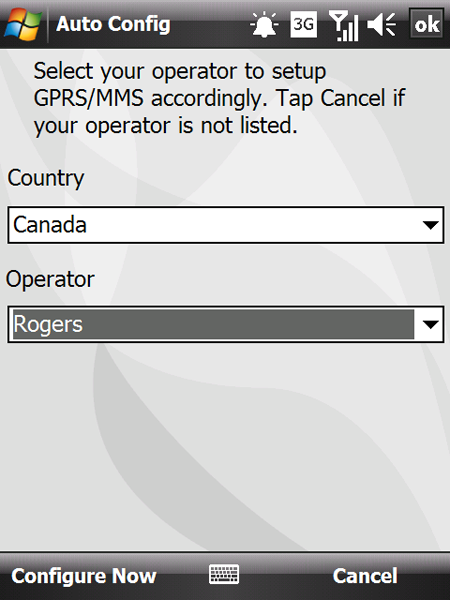
Figure 15: Usually, I see this as an auto-run application after a hard reset, where the unit detects the network it's attached to and asks if you'd like to configure the appropriate parameters. Interesting choice to make this available as a separate application.






