


Wednesday, September 23, 2009
Dressed to the Nines - the ACER F900 Windows Mobile Phone
Posted by Doug Raeburn in "Pocket PC Hardware" @ 07:00 AM
The Acer Shell continued
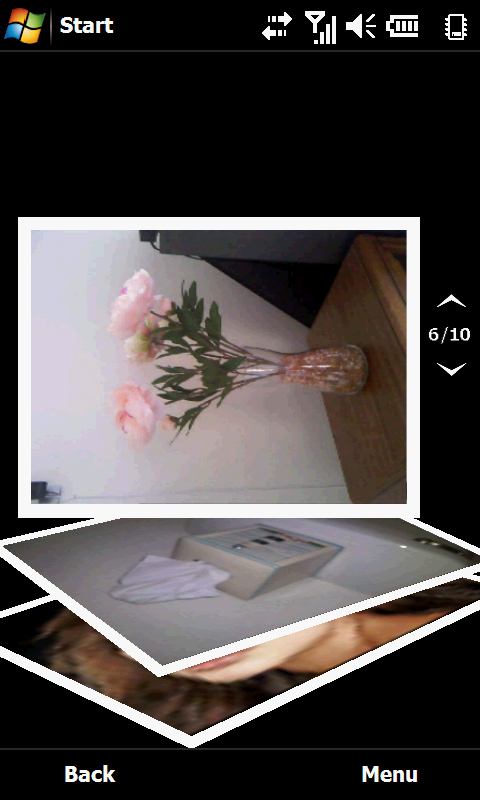
Figure 16: Hmmm... maybe the flowers are supposed to be that way...
The Picture Frame widget shows one of your stored pictures. Pressing it takes you to the Picture Album application.
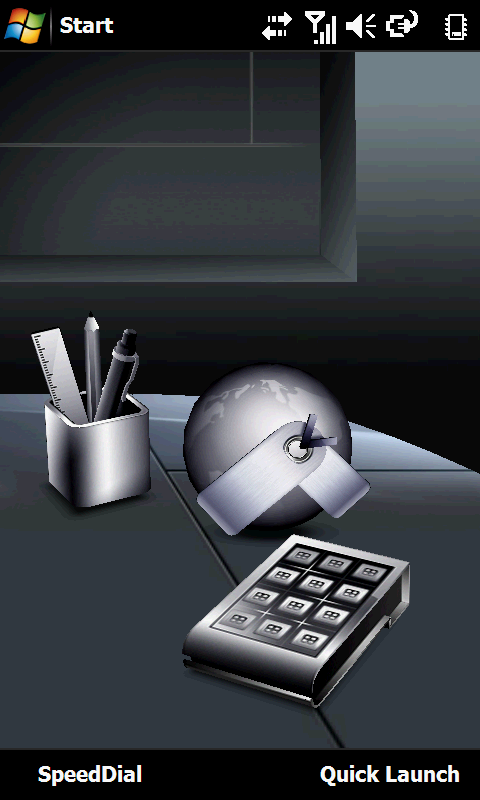
Figure 17: The third desktop page. Guess they ran out of recognizable desktop item metaphors... the thing that looks kinda like a calculator isn't one, and I've never seen a globe like that just laying on someone's desk.
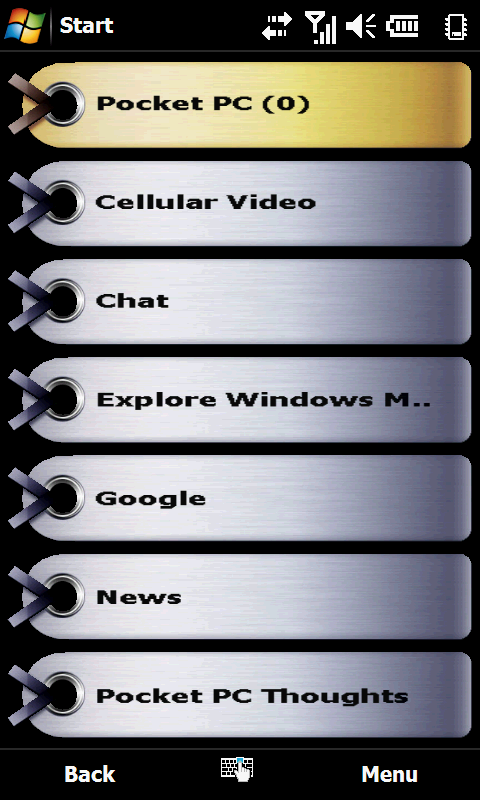
Figure 18: OK, so the globe is a metaphor for the Internet and the tags are your shortcuts. If it has to be explained to you, perhaps the symbolism is a bit opaque.
On the third page, you have what looks like a keypad. Nothing previewed here, but pressing it takes you to the Quick Menu (an icon page that you can configure with favorite programs). The "globe with some tags attached" widget takes you to your IE shortcuts.
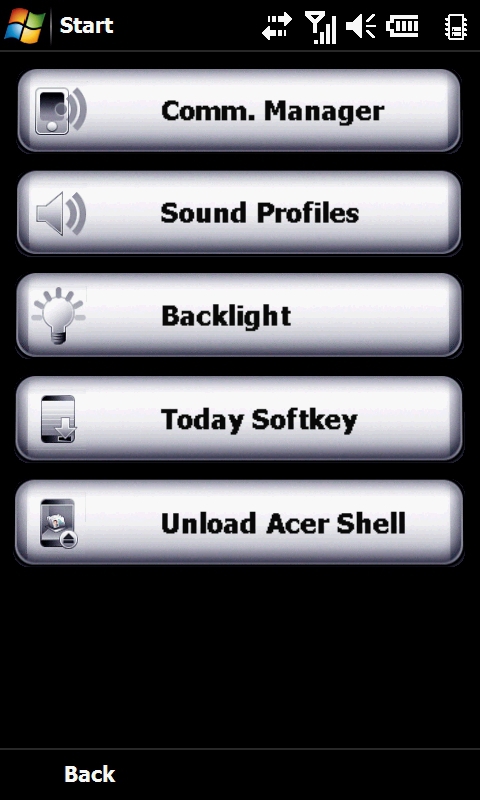
Figure 19: Here are some of the choices in the touch friendly setup menu.
Finally, the pencil cup takes you to the Acer setup menu.
You have some alternatives to using the Acer shell. One is provided by Acer and it gives you access to all of the apps that the shell provides through a set of icons on a separate main screen. The other alternative is to use a standard WinMo Today screen, which is what you see if you select to not load Acer shell at boot time.
Despite some clever touches, I find the Acer shell to have a somewhat dated appearance for a modern device, sort of the smartphone interface equivalent of Microsoft Bob. HTC's TouchFlo 3D has a much more sophisticated appearance, while equaling or exceeding the functionality of Acer shell. Non-WinMo devices like the iPhone and the Palm Pre also have a much greater visual punch.
Another issue that I found is that the F900 is somewhat less responsive to touch than other touch screen phones I've used, so I often found myself having to sweep several times to go from one desktop screen to another. The same thing applies when flicking to scroll through lists. I ended up having to apply more pressure than with other devices to get a response and I frequently ended up using enough pressure for the unit to respond as if I had tapped rather than used a finger sweep. So rather than scrolling, I'd end up opening a document or contact. By comparison, the iPhone with its capacitive screen is very responsive. And HTC has clearly put a lot of work into responsiveness with the resistive screen on their latest phones, giving them responsiveness that rivals capacitive screen devices. From that perspective, the F900 is behind all of those competitors.
For the record, my original Touch Diamond had the same issue when I first got it, but I found a registry mod on www.xda-developers.com that increased its screen sensitivity significantly. The sensitivity of the Diamond after the mod was almost as high as the new Touch Pro2. So I wonder if it's possible to make a similar modification to the F900. I can't apply the same mod, since it uses HTC-specific registry keys on the Touch Diamond and unfortunately, I wasn't able to find a comparable mod for the Acer.






