


Thursday, August 20, 2009
No Job for Amateurs - HTC's Touch Pro2 Reviewed
Posted by Doug Raeburn in "Pocket PC Hardware" @ 07:00 AM
TouchFlo 3D continued
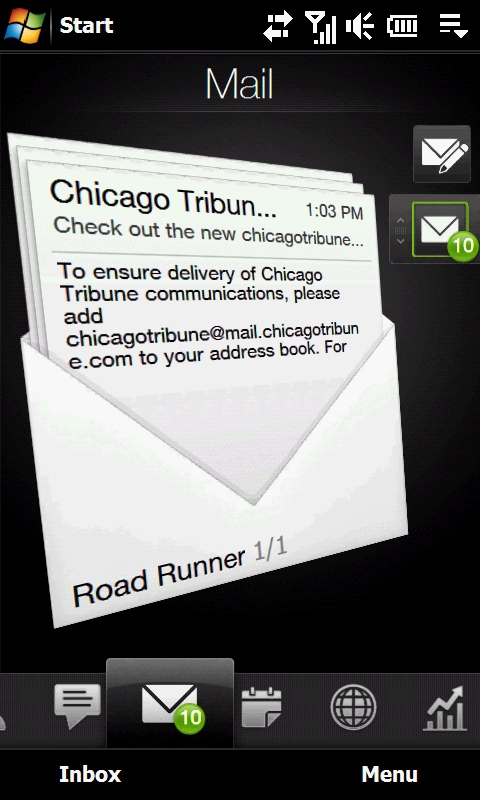
Figure 15: The Mail screen... no big changes here.
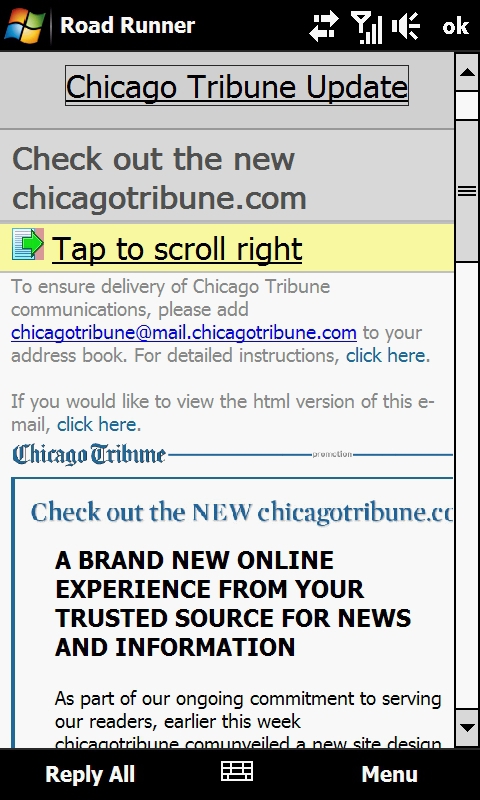
Figure 16: And this is the standard WinMo message display... one of their more up-to-date efforts.
The Messages and Mail pages also look like their predecessors. On the Mail page, an envelope with a preview of the current message is displayed and you can flick through all of the messages in the account. Tapping on the message takes you to a standard e-mail form.
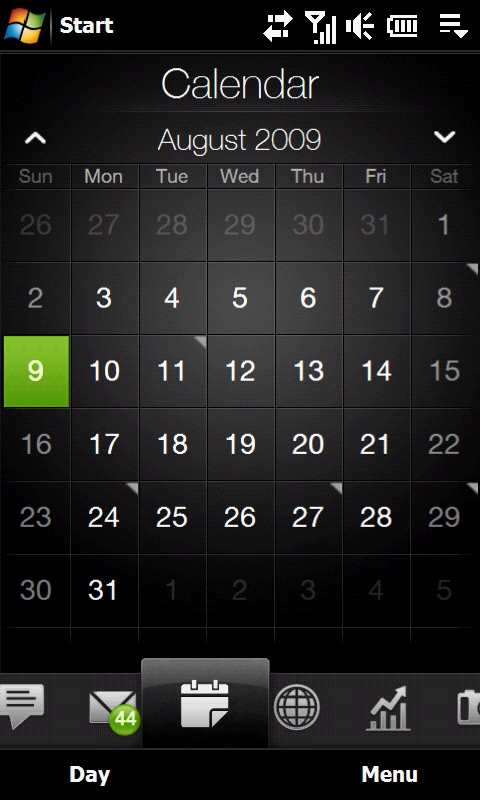
Figure 17: The new Calendar Page... definitely corrects a major omission in previous TouchFlo versions.
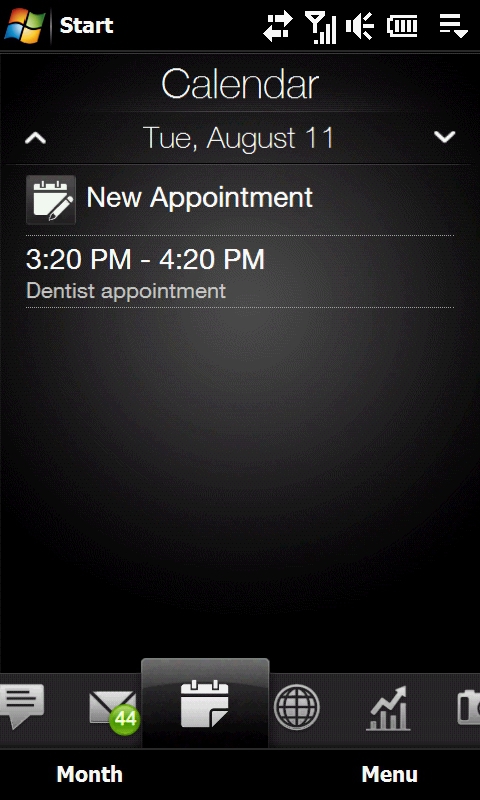
Figure 18: TouchFlo's Calendar Day View... nice, but don't go down to the next level unless you want to see a dated WinMo editing screen.
Calendar is a new page with this version of TouchFlo 3D. It features a month display; days having appointments show up with a mark in the top right corner. Tap on an individual day and your appointments show up on a TouchFlo style screen. Only if you wish to add or edit an appointment do you leave the TouchFlo environment… the entry screen is the WinMo screen. You're supposed to be able to display the local weather for the chosen day, but I was unable to get that to work even after following the instructions.
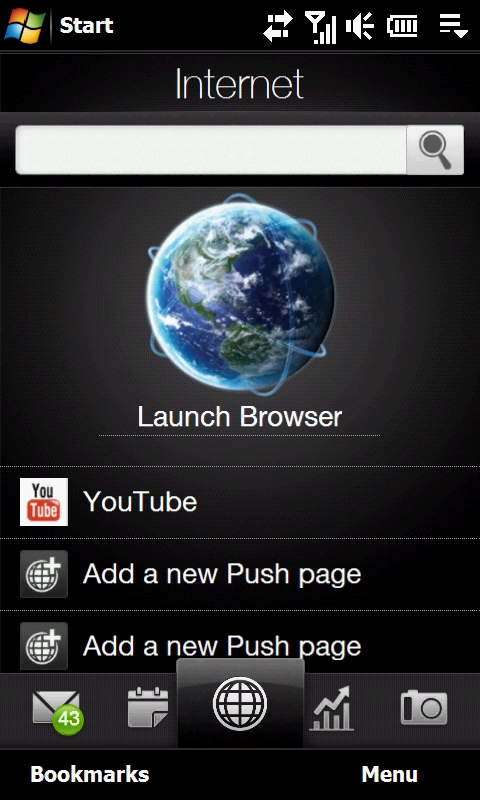
Figure 19: The Internet Page adds Push pages.
The Internet page has been redesigned. The previous version had just the globe icon for launching the browser and a list of your favorites underneath. The new version retains the globe icon but adds a search entry field that takes you to a Google results display in Opera 6.5. In place of the favorites, the new version of TouchFlo provides for push pages, which are web pages that you can define in order to keep them updated and reference them quickly from cache. These changes aside, the new page functions much like the old page.
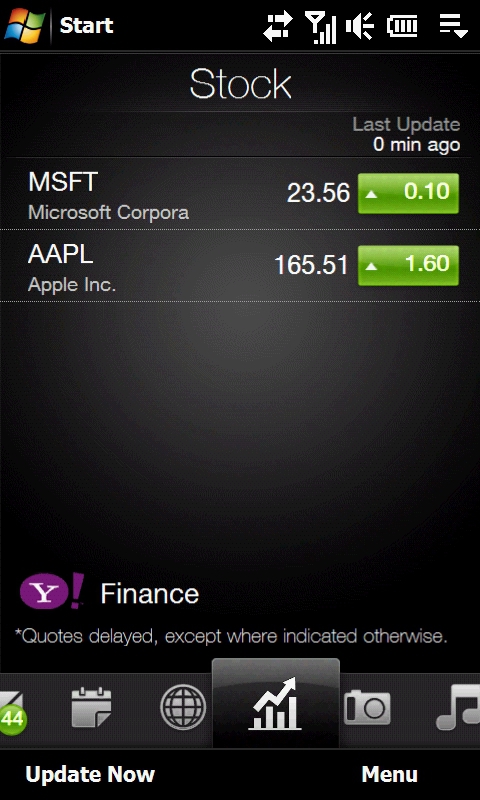
Figure 20: The Stock page - another addition.
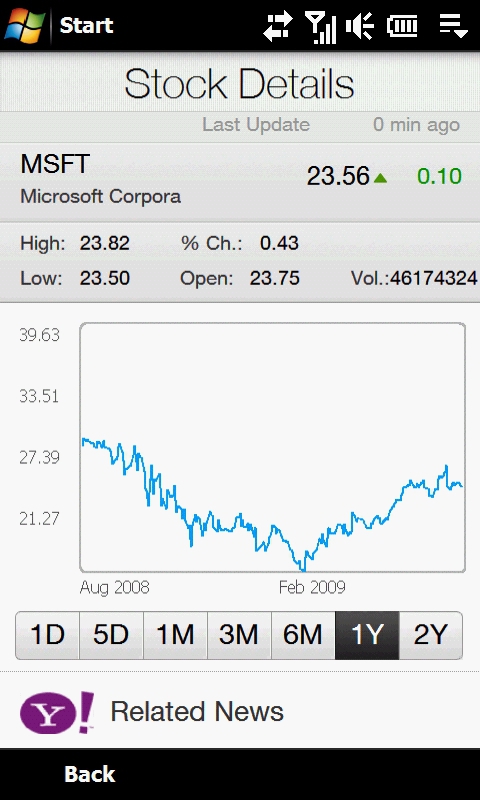
Figure 21: The HTC designed pages are uniformly great looking. Simple and elegant, just like the Touch Pro2 itself.
The Stock page is another new addition. You can define a number of stocks that you wish to monitor and they'll be updated according to your settings. Tapping on a stock takes you to more information hosted by Yahoo Finance.






