


Thursday, August 20, 2009
No Job for Amateurs - HTC's Touch Pro2 Reviewed
Posted by Doug Raeburn in "Pocket PC Hardware" @ 07:00 AM
TouchFlo 3D
One of the main characteristics for which the iPhone is best known is its large and responsive capacitive touchscreen. So for another phone to compete, it must provide a similar experience. WinMo PDAs and phones have offered touchscreens for years, but they've been of the resistive variety, which are better suited to use with a stylus than a finger.
When I first got it, I found my Touch Diamond1 to be less responsive to input using my fingers than I would have hoped. Fortunately, with the help of the fine folks over at xda-developers.com, I was able to find registry settings that dramatically improved the responsiveness. With the new generation of devices (Touch Pro2 and TD2), HTC were striving for improved responsiveness and greater depth of finger friendliness as compared to the previous generation. Let me start this section by saying that they were very successful in their quest for improved responsiveness. The Touch Pro2 is very responsive to finger input, nearly on a par with the iPhone, a device known for its responsiveness.
The depth of finger friendliness is more of a mixed bag. For that part of the story, let's take a look at the latest and greatest version of TouchFlo 3D.
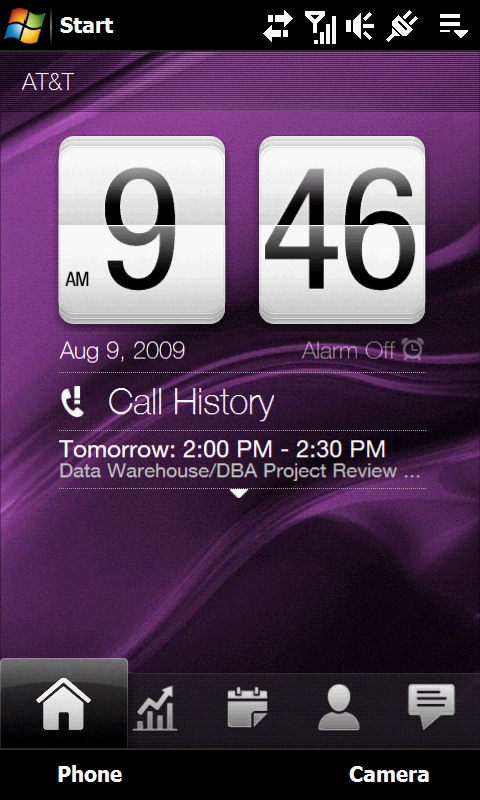
Figure 9: The Home page is familiar to owners of previous generation TouchFlo phones.
If you're familiar with earlier versions of TouchFlo 3D, it probably won't look much different to you at a cursory glance. The Home page, for example, looks much like its counterpart in the previous version. It displays the current time and up to 4 lines of information. Those lines will default to the next 4 upcoming appointments on your calendar. If there are certain types of notifications, such as missed calls and voice mail waiting, those notifications will replace lines of the appointment display temporarily until the notifications are cleared.
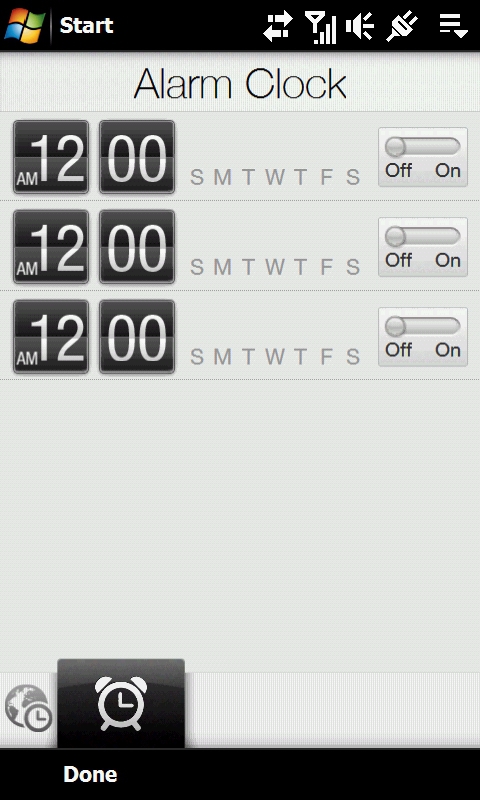
Figure 10: This is new... the first of many finger friendly extensions of the new version of TouchFlo 3D.
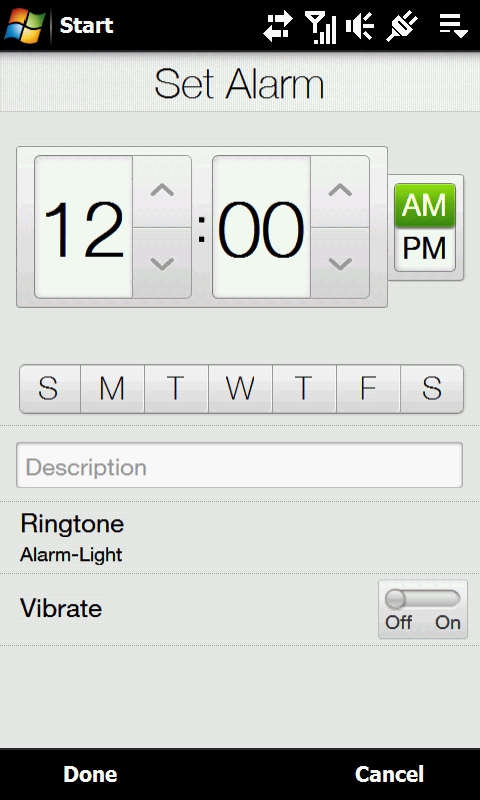
Figure 11: Nice big controls, easy to use with your fingers.
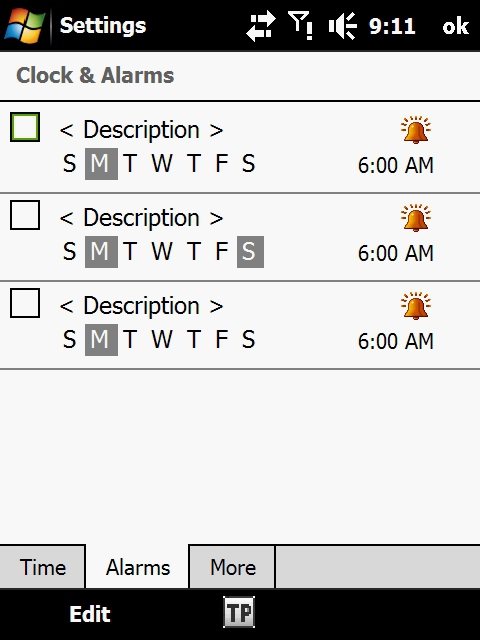
Figure 12: Here's the standard WinMo version from the Touch Diamond1... I think we'd all agree that HTC's new version in Figure 11 is a substantial improvement.
Again as with the previous version, tapping on the time will take you to alarm settings. That's where things get different. The previous version would take you directly to the stylus friendly standard WinMo alarm screen. The new version takes you to custom world clock/alarm settings forms with large finger friendly controls.
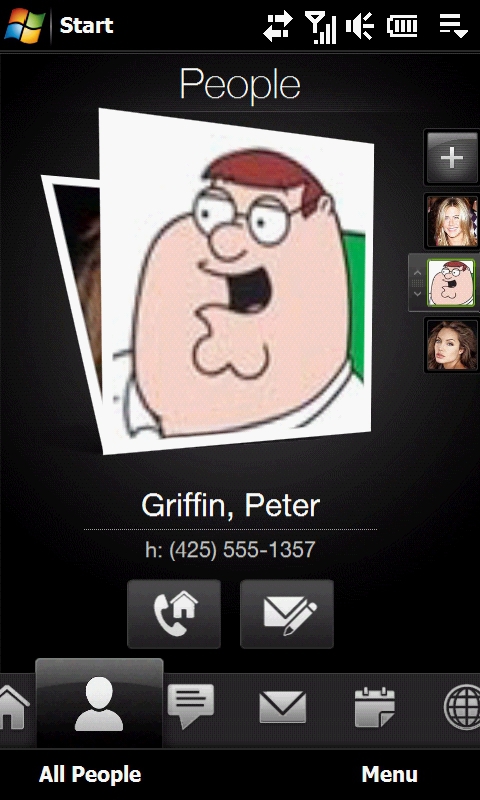
Figure 13: Yet another of my imaginary friends... is giving them a phone number taking things too far?
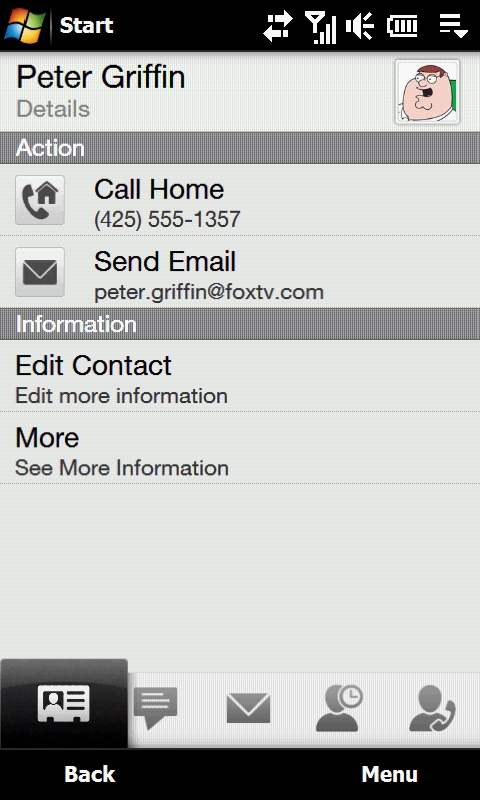
Figure 14: HTC's improved Contacts action screen.
The situation is much the same with the People pages. The main screen works the same as the previous version, with "Rolodex" style pictures that you can flick through with your thumb, along with thumbnails on the right side for faster navigation. However, if you wish to edit a contact or add a new one, the Touch Diamond1 takes you to the standard WinMo contact entry form, so once again it's stylus time. By contrast, the Touch Pro2 has a series of custom contacts forms, all designed for entry with your fingers.






